Skip to the content

Help centre

How can we help?

Step-by-step guides for firelet.media Gallery on Windows, macOS, Linux and Android — and straight answers for when something is not right.

Browse by topic

12 topics · 30 guides

The guides most people need first.

Getting started

How to install firelet.media Gallery on Windows

Download the free trial from firelet.media and run the signed installer. No admin rights are needed, and the gallery opens ready for your photo folders.

· 4 min read

Getting started

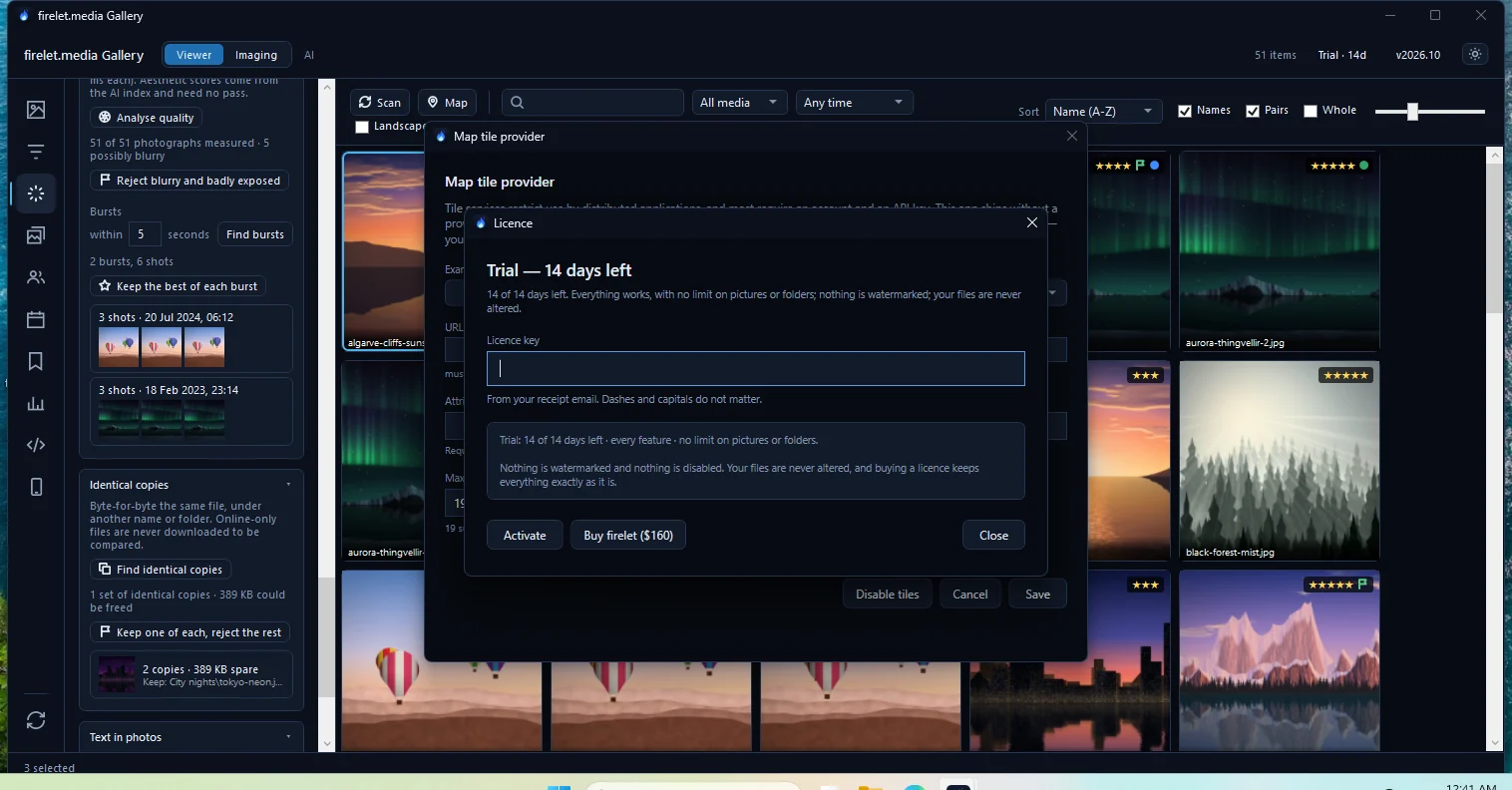
How does the 14-day free trial work?

The trial runs 14 days from the first launch with every feature on, no photo or folder limit and no watermark. When it ends, your library stays browsable.

· 4 min read

Library & import

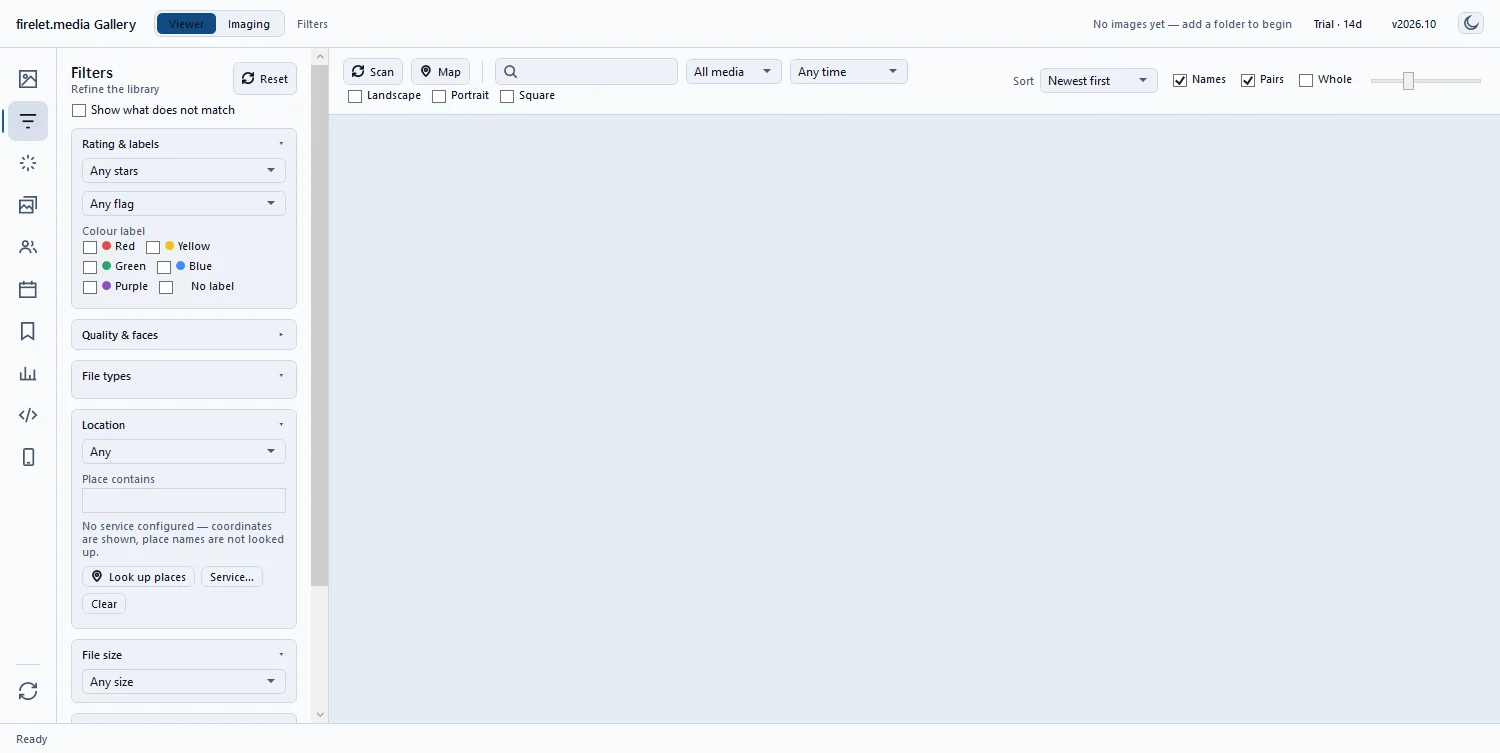
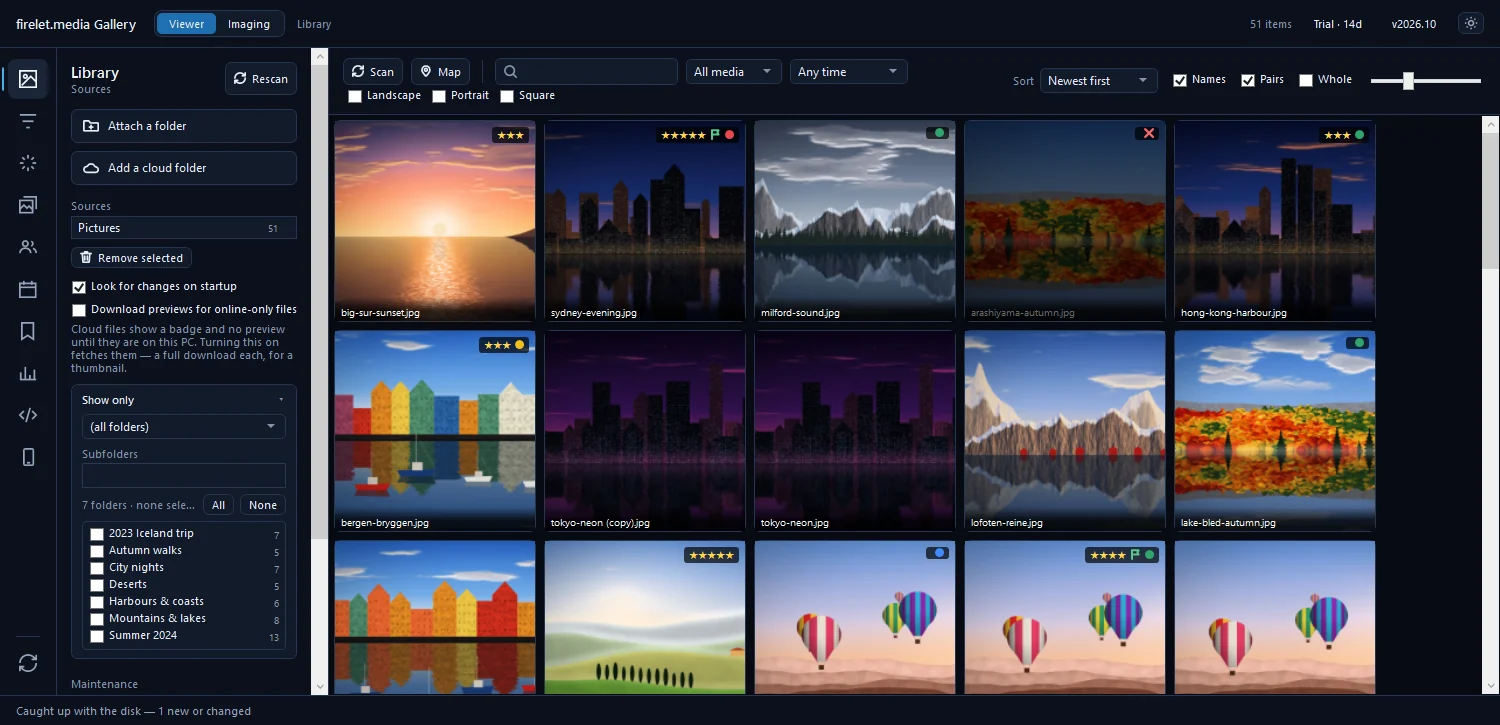
How to add your photo folders to the library

Open Library (Alt+1), click Attach a folder and pick a folder on any drive. The gallery indexes it where it is: nothing is moved, copied or uploaded.

· 4 min read

Search & AI

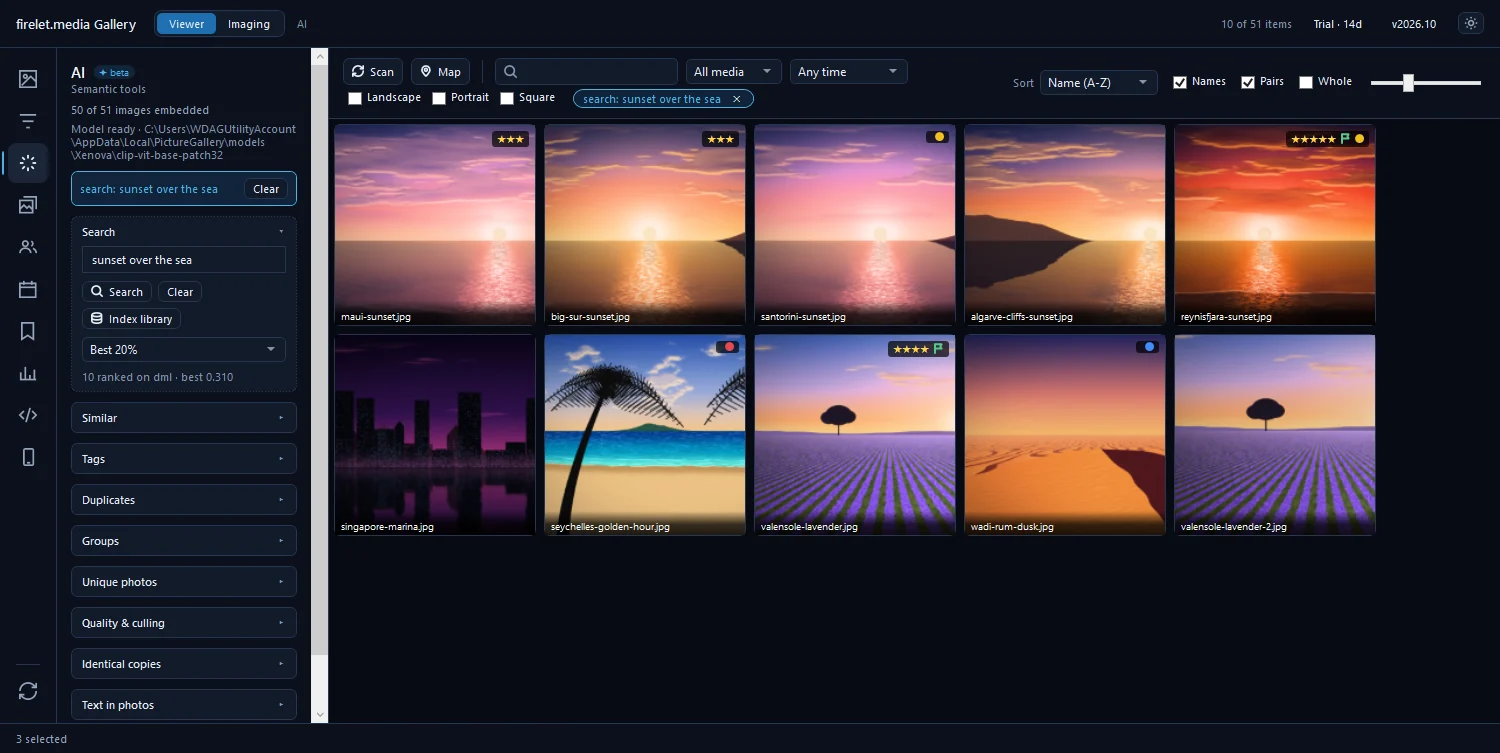
How to find a photo by describing what's in it

Open the AI panel, type a description such as 'sunset over the sea' and press Enter. The on-device model ranks your photos by how closely they match.

· 4 min read

Recently updated

Still stuck?

Say what you were trying to do and what happened instead. A person reads every message, usually within a working day.