What does firelet.media Gallery send over the internet?
Your photos, faces, search index and library never leave your PC. The app contacts firelet.media only for licence and update checks, plus downloads you start.
On this page
- Does the photo app upload my photos? What never leaves your computer
- The complete list of connections
- Licence activation and monthly check-ins
- Update checks
- Downloads you choose: AI and face models
- Optional online services: map tiles and place names
- The phone link stays on your Wi-Fi
- Crash logs stay local
Does the photo app upload my photos? No. firelet.media Gallery never uploads your photos, faces, search index or library. It contacts firelet.media only for licence activation, monthly check-ins and update checks, and downloads AI models only when you press the button. There is no telemetry, no analytics and no crash upload. Maps and place names use a service only if you set one up.
Does the photo app upload my photos? What never leaves your computer
These stay on your PC, always:
- Your photos and videos, and the thumbnails drawn from them.
- The library database: stars, flags, labels, albums, keywords, people and face data, edits, corrected dates and places, the AI index and any text read from pictures.
- Your searches, typed or described.
- Logs and crash logs.
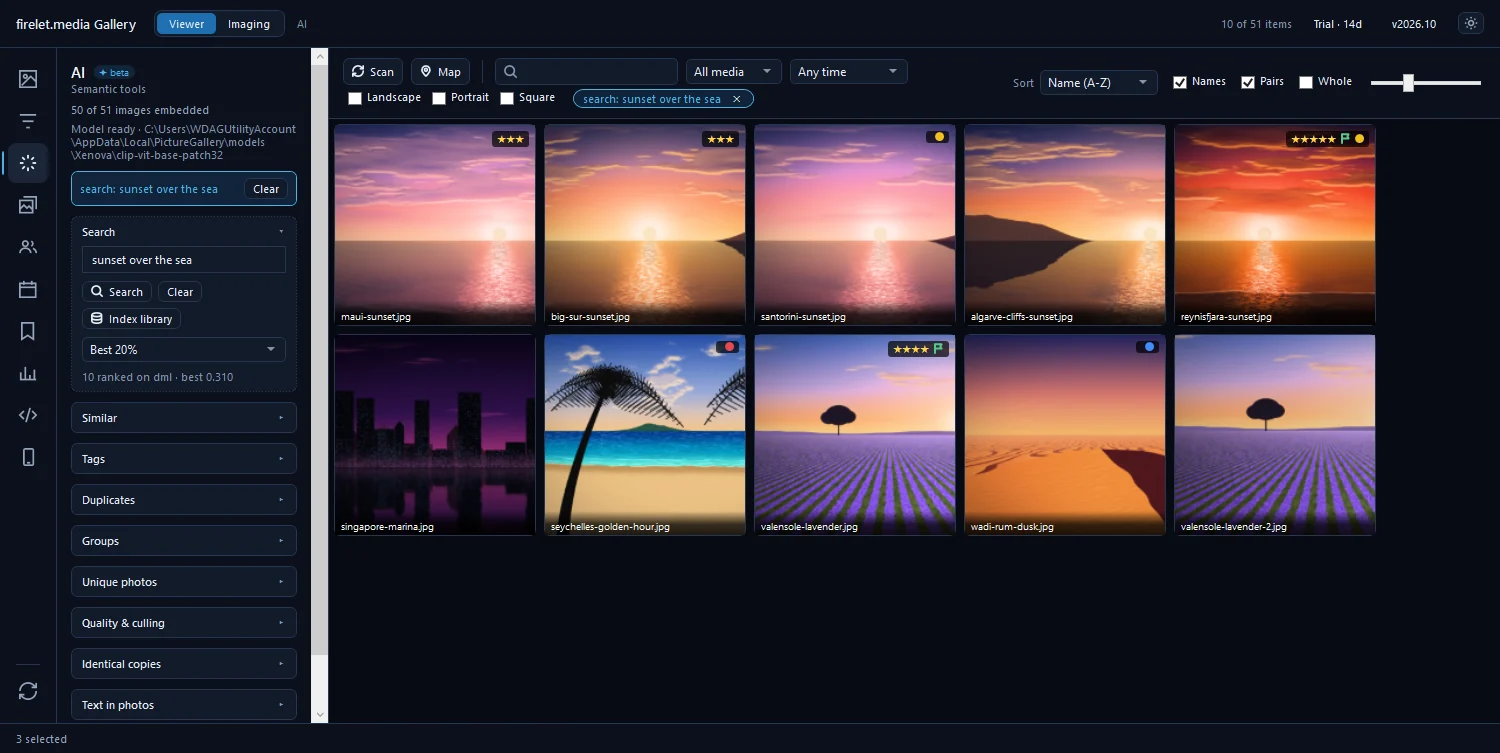
AI search, face grouping and text recognition all run on your own computer. The program has no cloud storage and no online albums.
The complete list of connections
This is every connection firelet.media Gallery for Windows makes. It identifies itself as FireletGallery/<version>.
| Connects to | When | What is sent |
|---|---|---|
| firelet.media: activation | Once per computer, when you press Activate | Your key, a machine fingerprint (salted hash), the app version and the computer's name as its machine label |
| firelet.media: check-in | About every 30 days, or when you press Check in now | Your key, the activation, the fingerprint and the version |
| firelet.media: update check | At launch, every 24 hours, after the Licence window closes, and on Check for updates | The version, the platform and, if licensed, how far your updates run |
| firelet.media: release emails | Only when you click Email me about new versions | The email address you type |
| huggingface.co | Only when you press Download model (438 MB) or Download face models (39 MB) | A download request; nothing is uploaded |
| A map tile service you choose | Only after you set one in Tile provider… | Requests for the map tiles you view |
| A place-name service you choose | Only when you press Look up places, after setting Service… | Your photos' coordinates, rounded to about 1 km |
| Your web browser | Only when you click a link (firelet.media, the Microsoft Store, OpenStreetMap, Google Maps) | Opens the page in your browser |
| Your paired phones | Only once a phone is paired | Pictures you choose, on your own network, encrypted |
Licence activation and monthly check-ins
Activation happens once per computer and needs the internet that one time. Besides the key, it sends a salted-hash fingerprint of the machine, the app version and the Windows computer name, which becomes the machine's label in your account. You can rename it under Devices in your account.
After that the licence checks in about every 30 days and keeps working for 90 days without internet. The trial needs no activation or check-in at all: it is counted on your PC. See can I use firelet.media Gallery offline? and how to activate your licence key.
Update checks
The gallery asks firelet.media whether a newer version exists when it starts, every 24 hours, after the Licence window closes, and when you press Check for updates in the About window. It sends the version, the platform and, for a licensed copy, how far your updates run. There is no setting to turn this off, and nothing installs by itself.
Downloads you choose: AI and face models
The AI model (438 MB) and the face models (39 MB) are not in the installer. They come from huggingface.co, once, only when you press Download model or Download face models. Both are checked against pinned checksums. After that, AI search and face grouping run entirely offline, and nothing about your pictures is sent.
Optional online services: map tiles and place names
Out of the box, both are switched off:
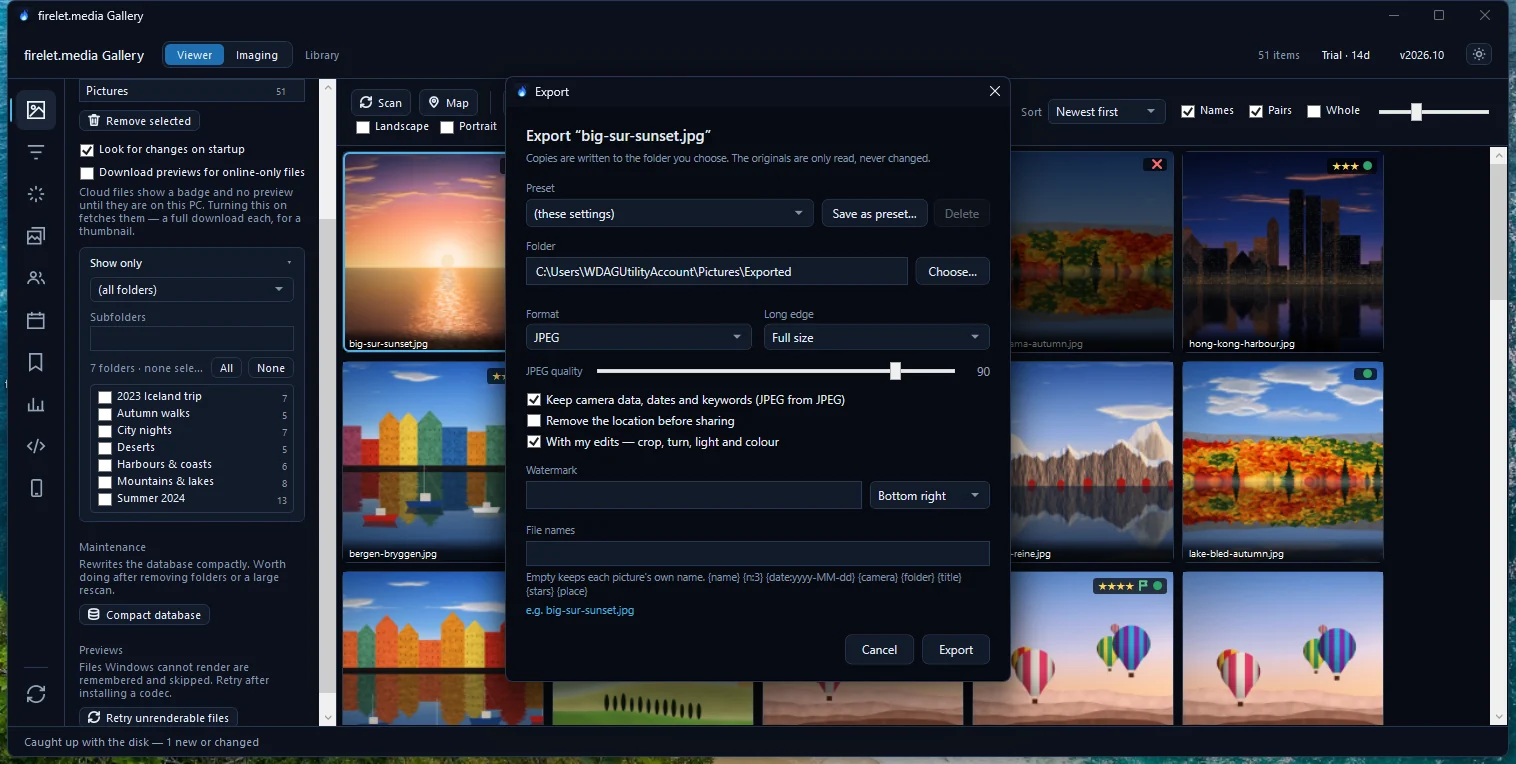
- The map plots your photos' locations on your PC over a blank background. If you add a tile provider with Tile provider…, that service receives requests for the map areas you look at.
- Place names are never looked up automatically. If you set a service in Filters → Location → Service… and press Look up places, your photos' coordinates, rounded to about 1 km, are sent to the service you chose. The names are then cached, and Clear forgets them.
The viewer's location link opens Google Maps, and Open in OpenStreetMap opens OpenStreetMap, only when you click them. How to see your photos on a map explains the setup.
The phone link stays on your Wi-Fi
The Wi-Fi link to the Android companion (coming soon) works only on your local network. Pictures travel directly between your devices, encrypted, and nothing goes through the internet. The PC announces itself to paired phones on your network and opens no port until a phone is paired. The companion app itself never contacts firelet.media; its own map uses OpenStreetMap tiles.
Crash logs stay local
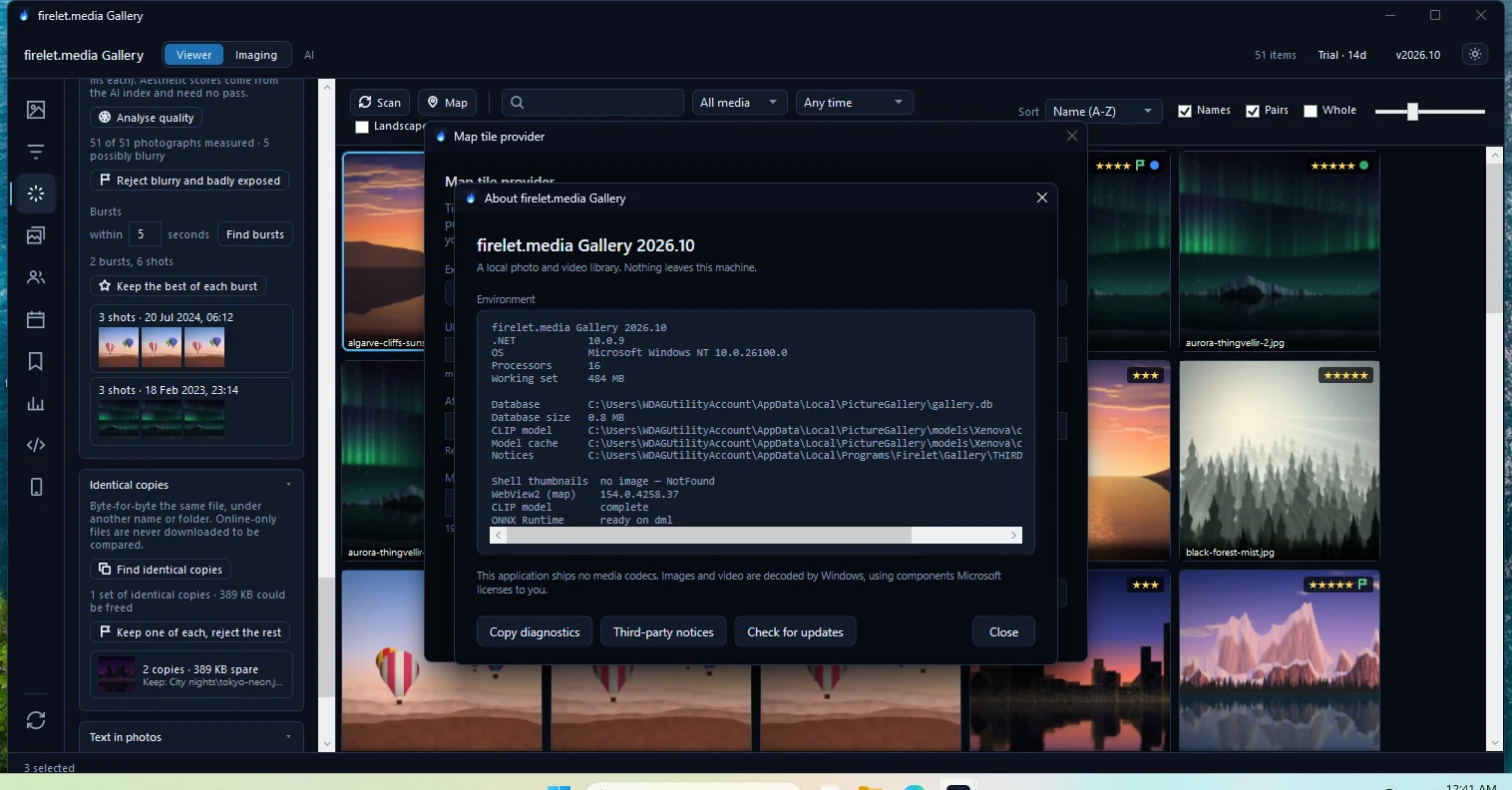
The gallery sends no telemetry, no analytics and no crash reports. If something goes wrong, it writes diagnostics.log and crash.log in %LOCALAPPDATA%\PictureGallery\, and they stay there.
Support may ask for those details. Sharing them is always your choice:
- Click the version label (v2026.10) in the title bar. The About window opens.
- Press Copy diagnostics. The report is copied to your clipboard; nothing is sent.
- Paste it into your support message, and read it first if you like.
Your firelet.media account holds your email, name, key, orders, devices (names and fingerprints) and support tickets. It never holds photos. For how your files are treated on disk, see does firelet.media Gallery change my original photos?
Questions people ask
Are my photos uploaded to firelet.media?
No. Nothing from your library is uploaded, at any time; the program has no cloud storage.
Does the AI send my photos to a server?
No. AI search, faces and text recognition run on your computer. Only the models are downloaded, once, when you press the button.
Do the map and place names use the internet?
Only if you set up a map tile provider or a place-name service yourself. Out of the box none is set, and your photo locations are plotted locally.
Was this article helpful?
Thank you — that is counted, and nothing else about you is. Still stuck? Ask a person.