firelet.media Gallery 2026.10: what's new
Version 2026.10 is out: a 14-day trial with no limits, one key for several computers, the PC side of the Wi-Fi phone link, a signed installer and many fixes.
On this page
firelet.media Gallery 2026.10 is out for Windows. It brings a 14-day trial with every feature and no limits, one licence key for several computers, the PC side of the private Wi-Fi phone link, and a signed installer that sets up without administrator rights. Your account gains self-service refunds, and there's a long list of reliability fixes from an external audit.
Highlights of firelet.media Gallery 2026.10
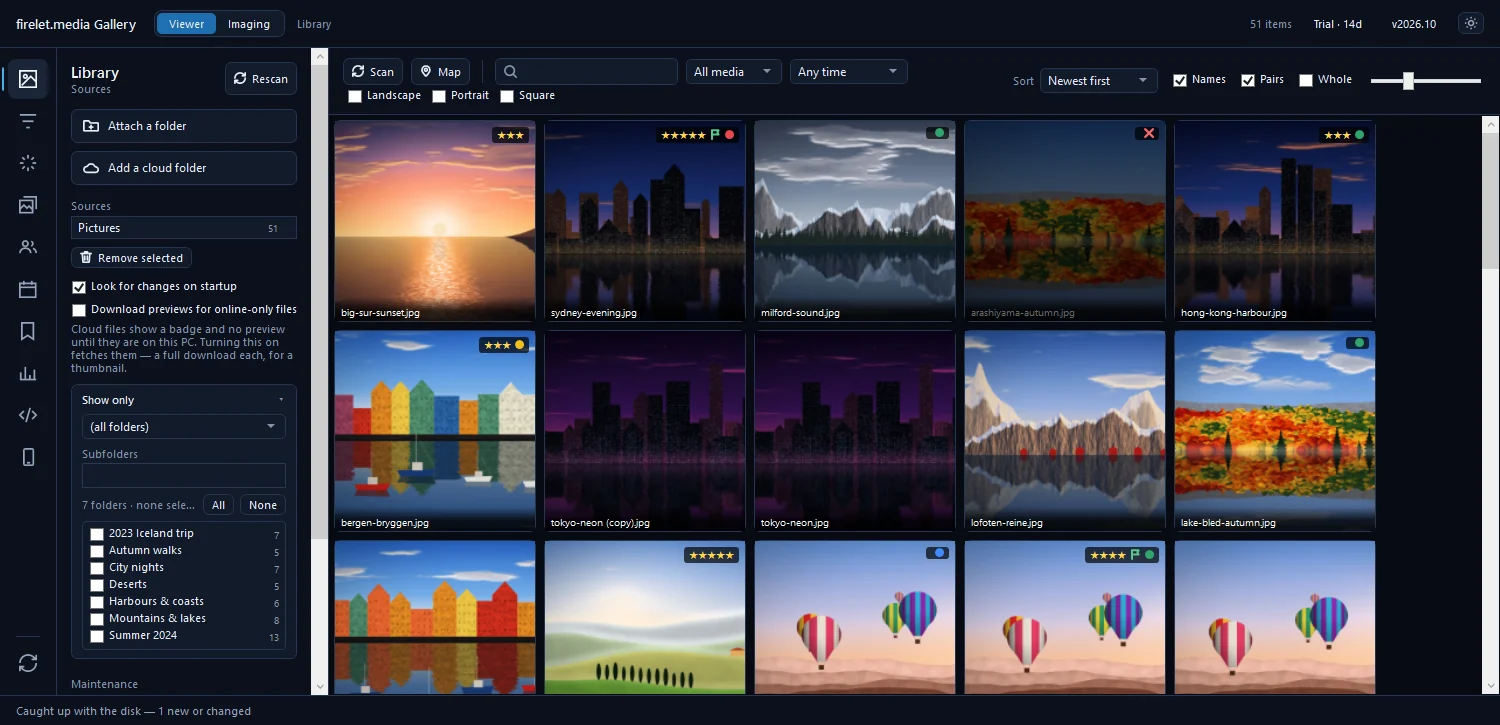
- A new way to number versions. Releases now use calendar version numbers, year then month, so you can tell at a glance how recent a build is. The title bar shows
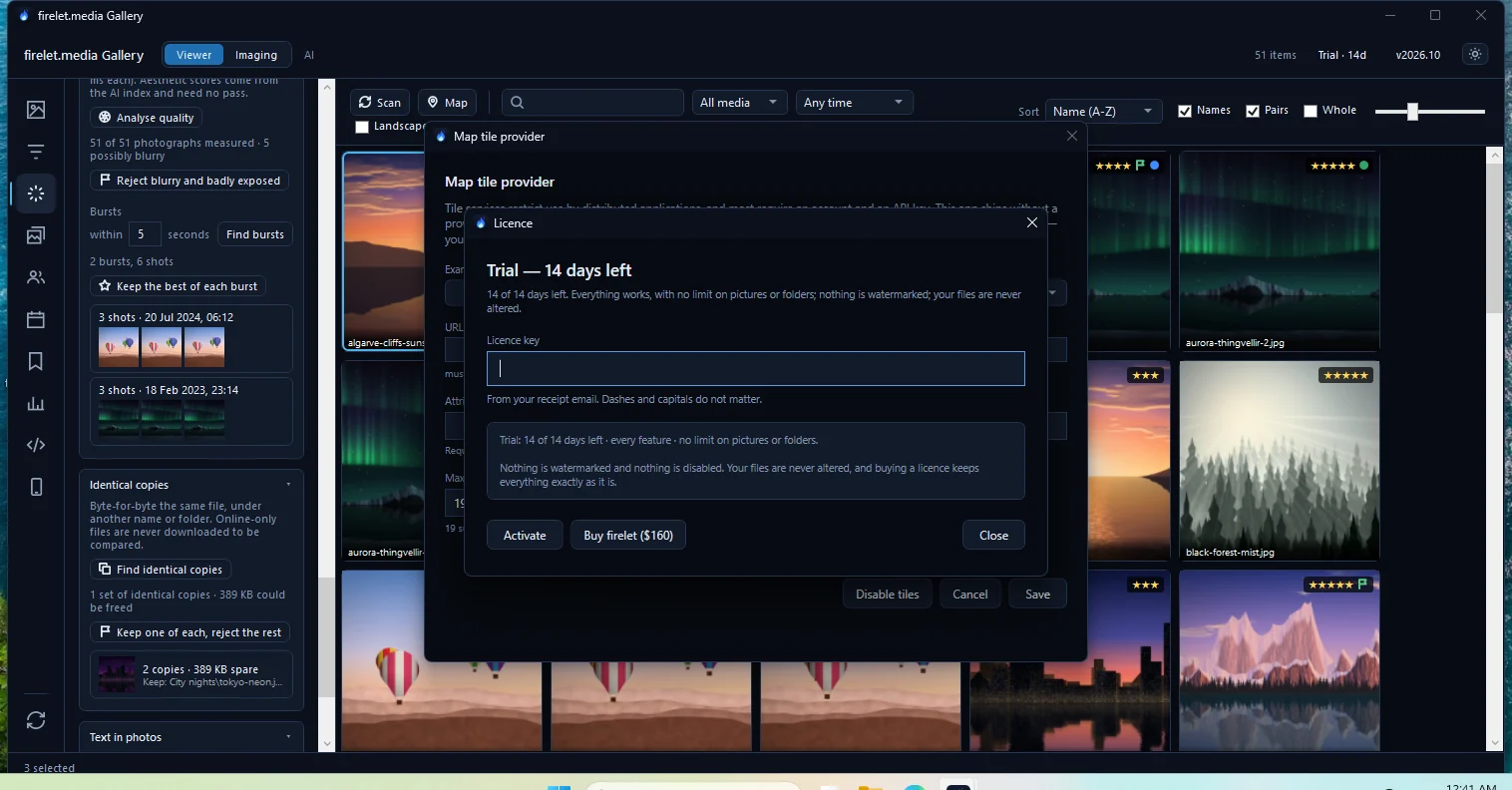
v2026.10, and Windows' Installed Apps list shows "firelet.media Gallery version 2026.10.0". - The trial is 14 days with no limits. Every feature, your whole library, no card and no account.
- One key for several computers. Buy for one to ten computers at once, at $160 each, on a single key.
- The Wi-Fi phone link, PC side. The new Devices panel is ready for the free Android companion, which is coming soon.
- A signed, per-user installer. Code-signed, installs without an administrator prompt, and no longer interrupts a silent install to ask about WebView2.
- Resumable downloads. A dropped connection no longer means downloading the installer from the start.
- Self-service refunds. A Refund button in your account's Orders page, for 14 days after buying.
- Reliability. Many fixes from an external audit of the app.
Here's each in a bit more detail.
The trial: 14 days, no limits
The old trial lasted 30 days but capped the library at 50 pictures and 3 folder changes. That showed you the buttons, but not what the gallery does for a real collection. The new trial is shorter and has no limits at all: every feature works on everything you attach, with nothing watermarked and nothing disabled. It still needs no card, no account and no email.
When the 14 days are up, nothing is deleted. Everything already in the library stays browsable and searchable; only new additions pause until you enter a key. The free trial is now 14 days with no limits has the full story.
One key for several computers
Households and small offices can now buy for several computers in one go. At checkout you choose how many computers the key should cover, from one to ten. Each is $160, paid once, with no subscription and no volume tiers.
Updates stay optional and are priced the same way: $100 for a year, per computer, at checkout or any time later from your account. Every build released inside a year you've paid for is yours for good. Each computer takes one seat at a time, and you can move a seat as often as you like: release it in your account or press Deactivate this PC in the app, then activate the next computer.
Your account's Licences page shows the seats on each key and which computers hold them. See how to buy for one or several computers and Pay once, own it: how firelet.media Gallery is priced.
The Wi-Fi phone link (PC side; Android app coming soon)
2026.10 adds the PC half of a private link between your Android phone and your computer. It lives in the new Devices panel (Alt+0), where you pair a phone with a QR code or a 12-character code, browse its pictures, copy them both ways and set up auto-sync.
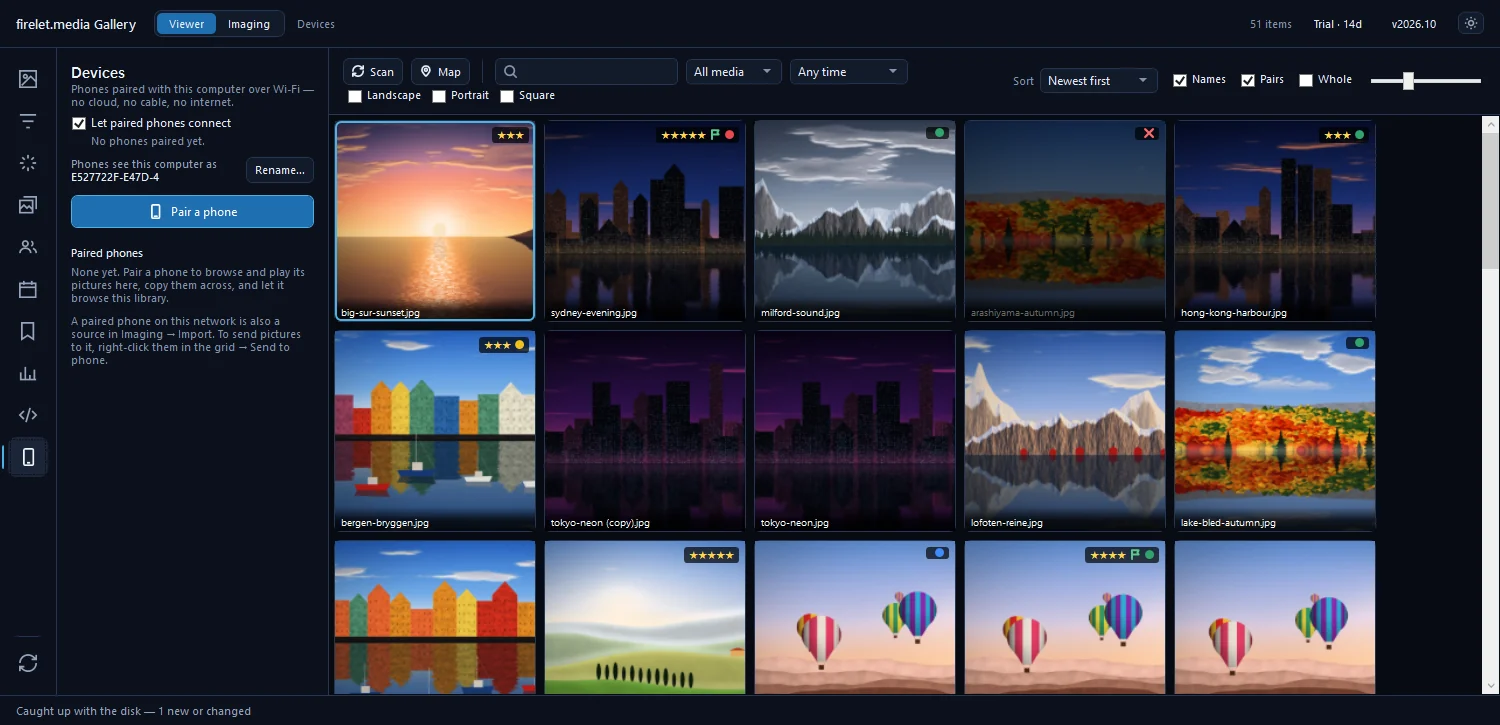
Pictures travel only between your own devices on the same Wi-Fi, encrypted, and never through the internet. No port is opened until a phone is paired.
Coming soon: the Wi-Fi link between your Android phone and PC explains everything it will do.
Also new in your account
Refunds are now self-service. For 14 days after buying, a Refund button sits beside each order in your account's Orders page. It refunds the whole order with no reason needed, Paddle usually approves it within a day, and each account can use it once. Refunds are now one button for 14 days explains how it works and what happens to your key.
Fixes and polish
A good share of the work in 2026.10 is the kind you only notice when it goes wrong.
- A signed installer and app. Both are code-signed and time-stamped, so Windows can check they're genuine and untouched.
- Installs without admin rights. By default the installer sets the gallery up just for you, in your own user folder, with no administrator prompt. An all-users install is still there if you want it, and it needs administrator rights.
- Quieter silent installs. If you or your IT department install the gallery silently, the installer no longer stops to ask about the Microsoft Edge WebView2 Runtime. WebView2 is only needed for the map, and the map tells you if it's missing.
- Resumable installer downloads. If your connection drops part-way through downloading the installer, the download can pick up where it stopped instead of starting over.
- Reliability fixes from an external audit. An outside review of the app led to a long list of fixes across the program.
How to update
If you already have an earlier version, the app tells you when a newer one exists. It checks at launch and once a day, and shows a strip at the top of the window with a Download button. You can also check at any time: click the version label (v…) in the title bar and choose Check for updates.
- Click Download on the update strip, or download the installer from Downloads in your account.
- Close firelet.media Gallery.
- Run the new installer over your current version.
- Start the gallery. Your library and your licence are kept.
The app doesn't install updates by itself, so nothing changes until you choose to run the installer.
New to firelet.media Gallery? Download the Windows installer and start the 14-day trial straight away. The macOS and Linux builds are being finished, and the Android companion is coming soon.
Questions people ask
Is 2026.10 a free update?
It is included if your updates window covers its release date. If not, the build you already own keeps working for good, and you can add a year of updates for $100 whenever you like.
How do I get it?
Download it from your account or from firelet.media and run the installer over your current version. The app also shows a strip at the top when a newer build is available.
Was this post helpful?
Thank you — that is counted, and nothing else about you is. Still stuck? Ask a person.