firelet.media Gallery keyboard shortcuts
Every shortcut in one place: Alt+1 to Alt+0 for panels, Ctrl+1/2 for views, 0–5 stars, P/X/U flags, Ctrl+E export, F2 rename, F5 slideshow and viewer keys.

On this page
firelet.media Gallery keyboard shortcuts cover almost everything you do: Alt+1 to Alt+0 switch panels, 0–5 give stars, P, X and U set flags, Ctrl+E exports, F2 renames and F5 starts a slideshow. The viewer has its own single-letter keys. Every shortcut is listed below, grouped by where it works.
Shortcuts act on the tiles you have selected, and they are ignored while the cursor is in a text box, so typing in the search box never rates a photo.
Views and panels
| Keys | Opens |
|---|---|
| Ctrl+1 | Viewer, the library view |
| Ctrl+2 | Imaging, to scan and import |
| Alt+1 | Library |
| Alt+2 | Filters |
| Alt+3 | AI |
| Alt+4 | Albums & keywords |
| Alt+5 | People |
| Alt+6 | Calendar |
| Alt+7 | Presets |
| Alt+8 | Statistics |
| Alt+9 | Advanced query |
| Alt+0 | Devices |
Selecting in the grid
| Keys | Does |
|---|---|
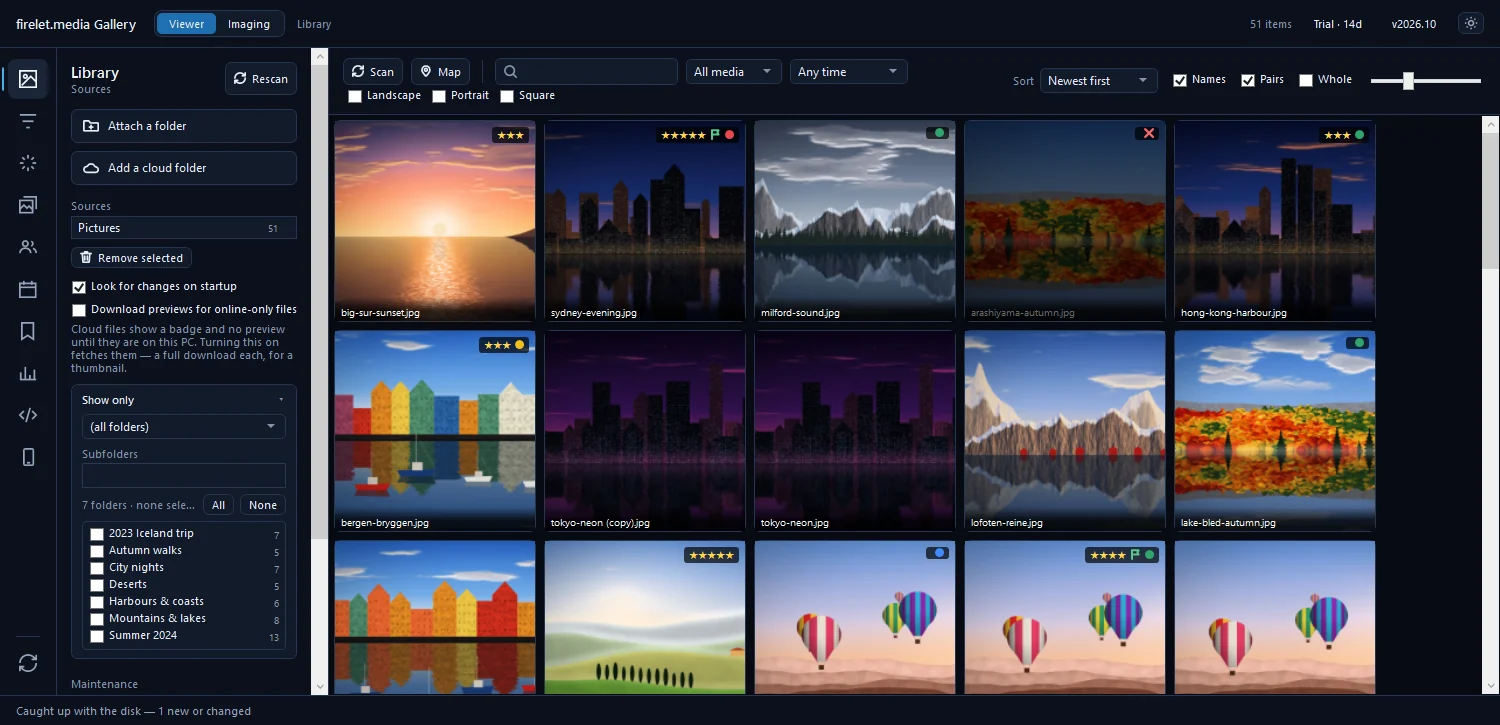
| Arrow keys | Move the selection |
| Shift+arrow keys | Extend the selection |
| Home / End | First or last tile |
| Enter | Open the selected photo in the viewer |
| Ctrl+A | Select everything showing |
| Ctrl+I | Invert the selection |
| Ctrl+D | Select none |
| Esc | Clear a multi-selection |
| Ctrl+mouse wheel | Make the tiles bigger or smaller |
In the search box, ↓ moves into the suggestions, Enter accepts one and Esc closes the list.
Rating, flags and labels
These work in the grid, the viewer and Compare.
| Keys | Does |
|---|---|
| 1–5 | Give 1 to 5 stars |
| 0 | Remove the stars |
| P | Pick |
| X | Reject |
| U | Clear the flag |
| 6 / 7 / 8 / 9 | Red / yellow / green / blue label (press again to remove) |
Purple has no key: right-click and choose Colour label → Purple. More in rating, picking and colour labels.
Rate a whole shoot from the keyboard
- Click the first photo and press Enter to open it in the viewer.
- Press A to turn on Advance after rating.
- Press a star key, P or X. The next photo appears straight away.
- Press Esc when you're done to go back to the grid.
Files: export, rename, print, delete
| Keys | Does |
|---|---|
| Ctrl+E | Export copies |
| F2 | Rename files on disk |
| Ctrl+P | |
| Del | Move to the Recycle Bin (after a confirmation) |
| Ctrl+B | Add to album menu |
| Ctrl+K | Add a keyword |
| Ctrl+Shift+D | Date and time |
| Ctrl+Shift+L | Location |
| Ctrl+Shift+C / V | Copy / paste edits |
| C | Compare the selected 2 to 6 photos |
| F5 | Slideshow |
Viewer and editor keys
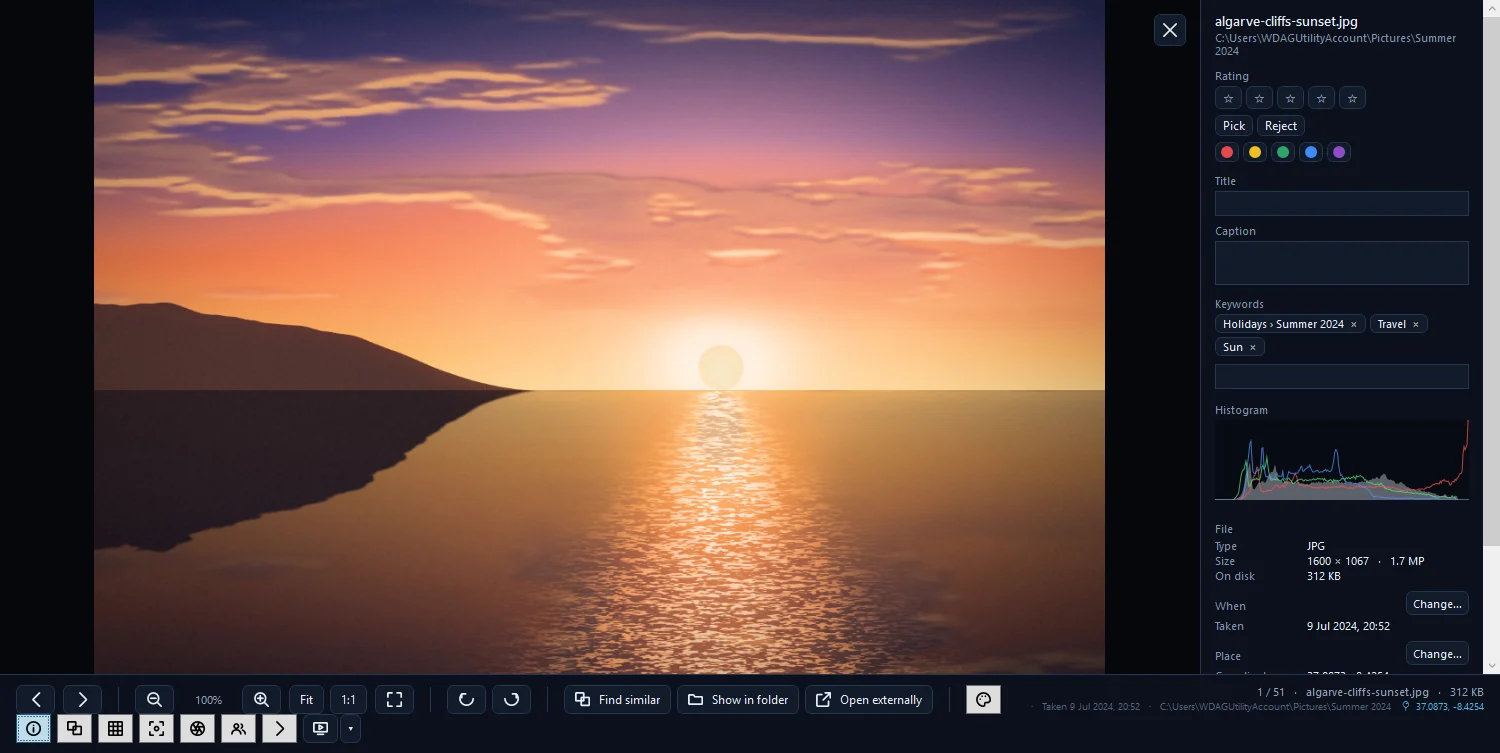
Open the viewer with Enter or a double-click. The photo viewer guide explains each tool.
| Keys | Does |
|---|---|
| ← / → | Previous / next photo |
| Home / End | First / last photo |
| Ctrl+← / → | First photo of the previous / next day |
| + / − | Zoom in / out |
| Z | Switch between fit and 1:1 |
| F | Fullscreen |
| R / Shift+R | Turn the view right / left (not saved) |
| E | Adjust, the editor |
| I | Info panel |
| T | Filmstrip |
| G | Thirds grid |
| K | Focus peaking |
| J | Clipping warnings |
| N | Faces |
| A | Advance after rating |
| S | Find similar |
| Space | Play / pause a video |
| L | Play a motion photo's clip |
| M | Mute |
| ↑ / ↓ | Volume |
| , / . | Video back / forward 5 s (Shift for 30 s) |
[ / ] |
One star less / more |
| Ctrl+C | Copy the picture |
| Ctrl+P | |
| F5 | Slideshow |
| Esc | Step back: leave crop, the editor, the slideshow, fullscreen, then the viewer |
The stars, flag and label keys from the table above work here too.
In the editor, C starts a crop, Enter keeps it and Esc leaves it. Hold \ to see the original, and double-click a slider's label to reset that slider.
Compare view keys
Select two to six photos and press C.
| Keys | Does |
|---|---|
| ← / → | Move between the panes |
| L | Zoom together |
| Z | Fit |
| + / − | Zoom |
| 0–5, 6–9, P / X / U | Mark the current pane |
| Delete or Backspace | Drop that pane from the comparison (the file is not deleted) |
| Esc | Close Compare |
On the map, Esc closes it. When the free Android companion is available, the phone browser under Devices uses Esc to go back, Ctrl+A, Enter to open and Delete to ask the phone to delete.
firelet.media Gallery keyboard shortcuts on macOS and Linux
The macOS and Linux builds are being finished and use the same shortcuts. There, Ctrl and Cmd both work, even though the tooltips say Ctrl, and the panel keys use Alt, which is Option on a Mac. On a MacBook, press fn+Delete to move a photo to the Trash. For the full set of filters these keys pair with, see sorting and filtering photos.
Questions people ask
How do I switch panels quickly?
Alt+1 to Alt+9 and Alt+0 open Library, Filters, AI, Albums & keywords, People, Calendar, Presets, Statistics, Advanced query and Devices.
How do I select all photos?
Ctrl+A selects everything showing, Ctrl+I inverts the selection and Ctrl+D selects none. Esc also clears a multi-selection.
Why does Ctrl+E do nothing?
Export, rename (F2) and delete (Del) work in the grid, not while the viewer is open. Close the viewer with Esc, then press the key again.
Was this article helpful?
Thank you — that is counted, and nothing else about you is. Still stuck? Ask a person.