How AI photo search works on your own computer
How can a PC find 'dog on a beach' with no internet? A plain-language look at the image-text model firelet.media Gallery runs locally, and at what it can't do.
On this page
How does AI photo search work without the internet? firelet.media Gallery runs an image-text model called CLIP on your own PC. It turns each photo, and later your search words, into a list of numbers that captures what they're about, then ranks your photos by how closely their numbers match your words. After a one-time model download, nothing is uploaded and no connection is needed.
That's the whole trick, and it's worth understanding, because it explains both why the search feels a little magical and where it falls short. No maths degree required.
How does AI photo search work? Pictures and words in the same space
Think of a huge map where every idea has a position. "Dog", "puppy" and "golden retriever" sit close together. "Beach" is somewhere else, "snow" somewhere else again, and "a dog running on a beach" sits between the dog corner and the beach corner.
CLIP, the model firelet.media Gallery uses (the ViT-B/32 version), has two halves that share one such map. One half reads pictures and the other reads text, and both place what they see on the same map. The model learnt this, before it ever reached your PC, from a very large collection of pictures paired with their captions, so that a photo of a dog on a beach and the words "dog on a beach" land in nearly the same spot.
A position on that map is a list of 512 numbers, called an embedding. You never see it. What matters is that two things that mean similar things get similar lists, and that's something a computer can measure very quickly.
Indexing: one summary per picture
Before you can search, the gallery has to place every photo on the map once. That's indexing.
- Open the AI panel (Alt+3).
- Press Download model. The model isn't bundled with the app: it's a one-time 438 MB download from Hugging Face, checked against a pinned checksum, and it resumes if interrupted.
- Press Index library. The panel counts up, for example "50 of 50 images embedded".
For each photo, the gallery makes a small square version (224 pixels, taken from the centre), shows it to the picture half of the model, and stores the 512 numbers that come back in the library database on your PC. Videos are indexed from a thumbnail frame. Online-only files in cloud folders are skipped, because indexing them would mean downloading them.
The summary is a list of numbers, not a smaller copy of your photo. When you add new photos, press Index library again and it only does the ones that are missing. How to index your library for AI search covers timing and troubleshooting.
Searching: comparing your words
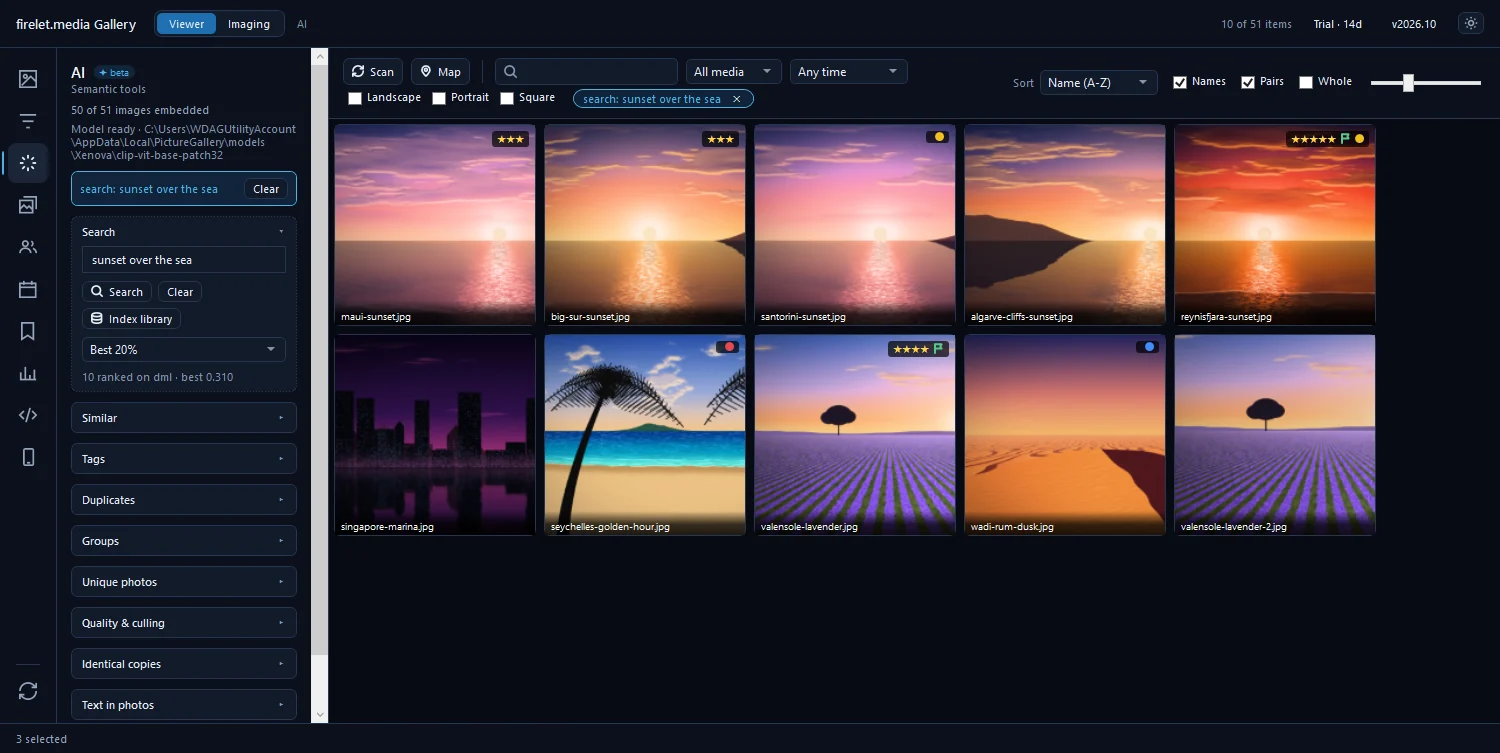
When you type a description into the AI panel's search box and press Enter, the text half of the model turns your words into their own list of 512 numbers. The gallery then compares that list with the stored list of every photo and sorts the library by how closely each one lines up.
Comparing lists of numbers is fast. The firelet.media site quotes about 7 ms to search 21,000 photos. Indexing is the slow part, and it happens once per photo.
By default the result is Everything, ranked: your whole library, best matches first. How strict can cut it down to the Best 20%, Best 5%, Best 1% or Best 100. How to find a photo by describing what's in it has tips on wording.
The same stored numbers power several other tools in the panel, with no extra work:
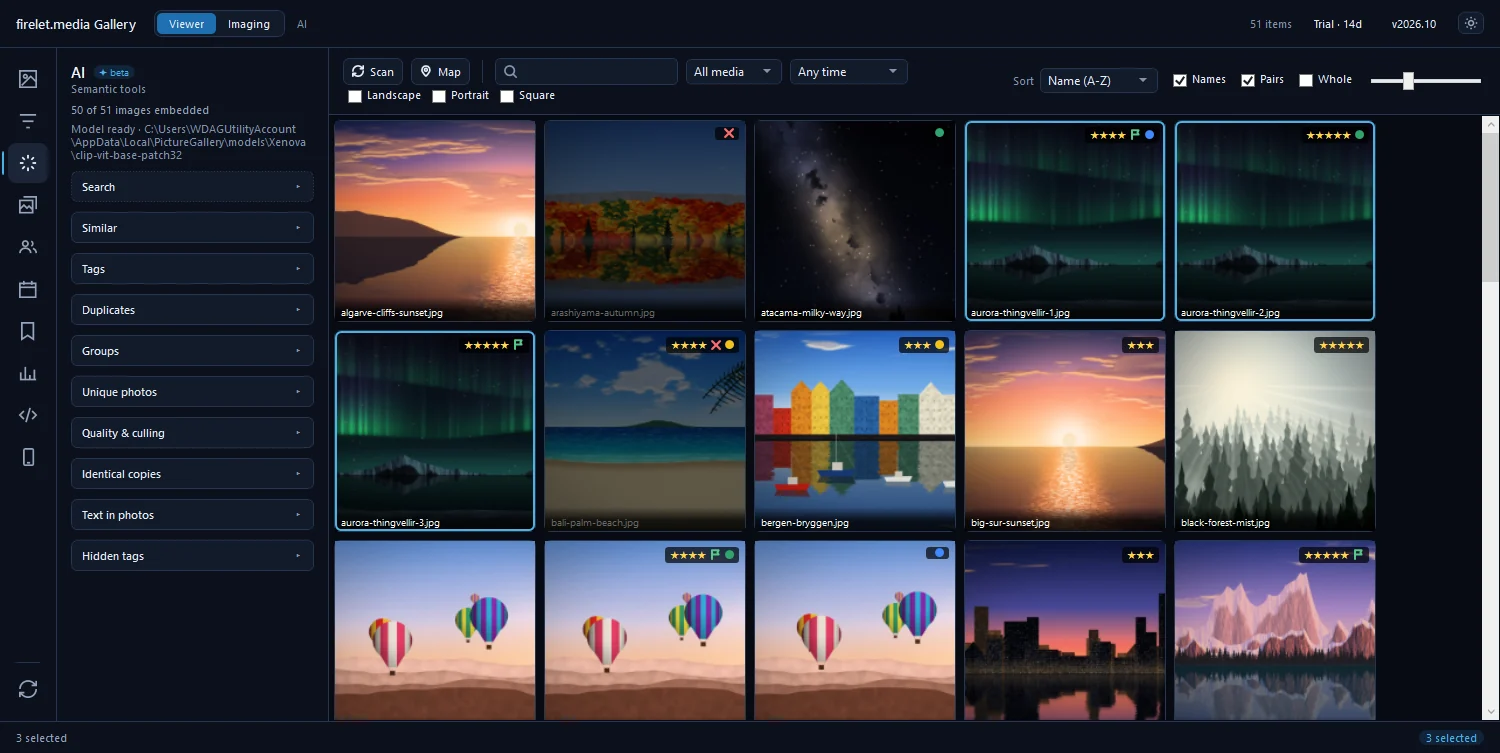
- Find similar compares one photo's numbers with the others, for "more like this".
- Duplicates looks for pairs whose numbers are almost identical, which catches resized and re-saved copies.
- Generate tags scores every photo against 50 fixed English words and keeps up to five per photo. No image is read again.
- Groups sorts the library into clusters of similar photos, and Find unique photos shows the odd ones out.
- An aesthetic score of roughly 1 to 10 comes from the same numbers, with no extra download.
GPU vs CPU
On Windows, the gallery runs the model on your graphics card through DirectML when it can, and on the processor otherwise. If the graphics card misbehaves partway through, it switches to the processor by itself for the rest of the session.
Either way, the results are the same. Only indexing speed differs: a graphics card gets through a big library faster, and a laptop without one simply takes longer on the first index. Searching is quick on both. The macOS and Linux builds, which are being finished, run the model on the processor. No particular GPU is required anywhere.
Limits: it ranks, it doesn't know
CLIP measures resemblance between pictures and words. It doesn't understand your photos the way you do, and a few habits follow from that.
- There is always a top result. Search for something you never photographed and you still get a ranked list; the first photo is simply the least unlike your words. Use How strict or glance at the top rows.
- English works best. Descriptions in other languages are poorly understood.
- Describe what's there. Short, concrete phrases work: "red car at night", "cake with candles". Phrases about what's missing, like "beach without people", tend to work poorly, because the model matches what the words are about.
- Small and off-centre details can be missed. The model sees a small square from the middle of each photo, so a tiny sign in the distance, or something at the far edge of a panorama, may not register.
- It doesn't know who, where or when. It can find "two people at a wedding" but not your cousin; that's the People panel. It doesn't read GPS or dates; combine it with the map, the date range and the filters.
- Words written in a photo are better found with Read text in the same panel, which uses the text recognition built into Windows. See how to search the text in your photos.
Privacy
Everything above happens on your computer. The model file sits on your PC, the index lives in the library database there, and your searches never leave the machine. The only network activity for the AI is the one-time model download, which happens when you press the button.
The gallery sends no telemetry, analytics or crash reports. It does contact firelet.media for licence and update checks, and a map or place-name service only if you set one up. What data is sent lists every connection.
Questions people ask
Does the AI learn from my photos?
No. The model is fixed. Indexing only stores a short numerical summary of each picture in the library on your PC, and nothing is sent anywhere to train or improve the model.
Is a GPU required?
No. On Windows the gallery uses the graphics card through DirectML when it can and falls back to the processor automatically. Results are the same; only indexing speed differs.
Was this post helpful?
Thank you — that is counted, and nothing else about you is. Still stuck? Ask a person.