Offline AI photo organizers: what 'offline' really means, and how to choose
Many photo apps say 'AI' and 'private'. Here is how to check where the model runs and what is sent, the questions that separate the options, and a fair look at the main kinds of tool.
On this page
"AI" and "private" appear on nearly every photo app's page now. They can mean very different things. Some apps run the model on your computer and send nothing; some run it on a server; some do part of each. Here is how to check for yourself, the questions that actually separate the options, and a fair look at the main kinds of tool.
What "offline AI" should mean
For a photo organizer, offline AI means three things:
- The model runs on your computer. It is downloaded once, then searching, face grouping and tagging happen locally.
- Your photos, faces and searches stay there. The index, the face groups and what you typed are stored on your disk.
- It still works with the internet switched off. Not just browsing — search and faces too.
How to check any app in five minutes
- Switch the network off after setting it up, then search and open People. If both still work, the AI is local.
- Read its list of what it sends. A trustworthy app can tell you, in a few lines, every request it makes. firelet.media Gallery's is here: a licence check about once a month, an update check, and the model downloads when you press the button.
- Look for an account requirement. An app that needs you signed in to use your own photos is talking to a server.
The questions that separate the options
| Question | Why it matters |
|---|---|
| Does it use my folders, or import into its own library? | Imports duplicate your files and make leaving harder |
| Can it write ratings and keywords to XMP sidecars? | XMP is how you avoid lock-in |
| One payment, subscription, or free? | Decide what you'll still be paying in five years |
| Desktop app or a server I run? | A server reaches you anywhere but needs looking after |
| Does it read my camera's files? | RAW support varies widely — check your own files in a trial |
The main kinds of tool, fairly
- Free, open-source desktop programs such as digiKam: powerful, with face recognition and a huge range of settings. Expect to spend time learning it.
- Self-hosted servers such as Immich and PhotoPrism: a web app and phone backup you run at home. Excellent if you're happy maintaining a server.
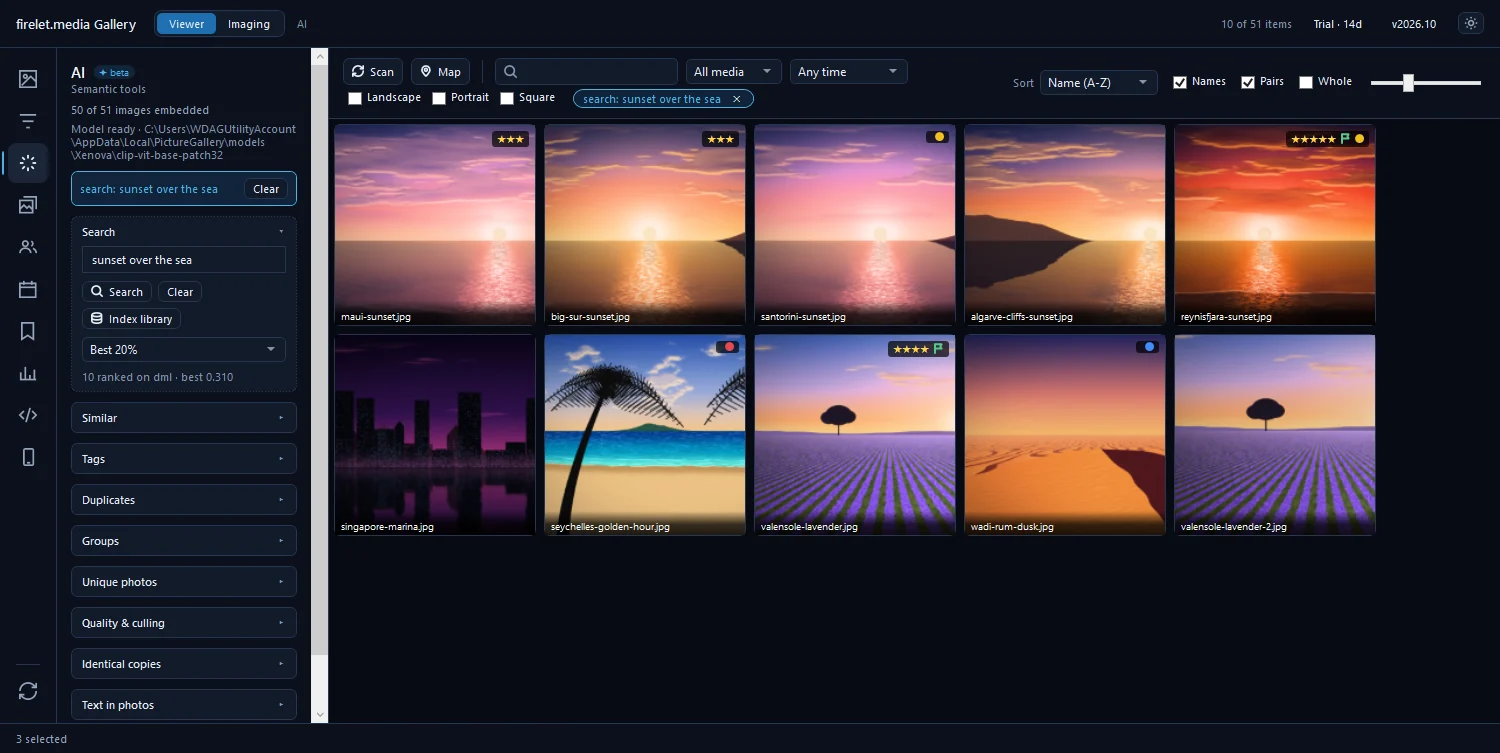
- Commercial desktop apps with local AI, such as Excire Foto and firelet.media Gallery: install and go, AI search on your PC. Compare their current features and prices on their own sites — they change.
- Sync-first apps such as Mylio Photos: built around keeping a library in step across your devices.
Where firelet.media Gallery fits
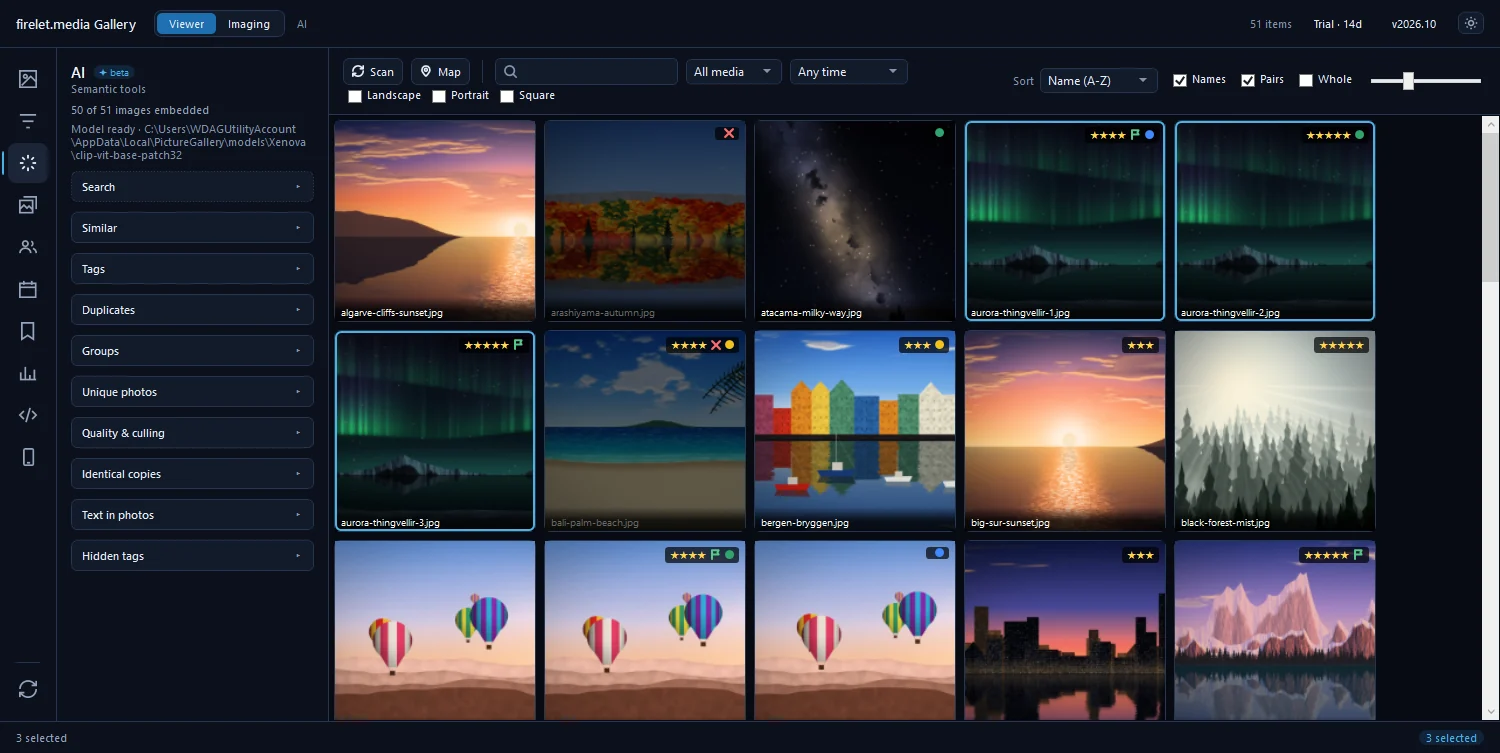
It's a Windows desktop app that indexes the folders you already have, searches by description and by the text in your photos, groups faces, finds near-duplicates and ranks bursts — all on your PC, with no account inside the app. It's $160 once, updates optional. It doesn't decode camera RAW files yet (RAW+JPEG pairs are kept together), and Mac and Linux builds are still being finished.
The fairest test is your own library: try it free for 14 days, every feature, no limits — and switch the Wi-Fi off while you do.
Questions people ask
How can I tell whether a photo app's AI runs offline?
Switch the internet off after the first set-up and search again. If search, faces and tags still work, the model runs on your computer. Then read the app's own list of what it sends.
Does offline AI search need a powerful PC?
No. firelet.media Gallery uses the graphics card through DirectML when it can and falls back to the processor; results are the same either way, only the first indexing is faster on a GPU.
Which offline organizer is best?
It depends on what you value: a free open-source program with many settings, a self-hosted server you reach from anywhere, or a desktop app that just works. The checklist in this article helps you decide.
Was this post helpful?
Thank you — that is counted, and nothing else about you is. Still stuck? Ask a person.