A photo organizer with no subscription: what 'pay once' really means
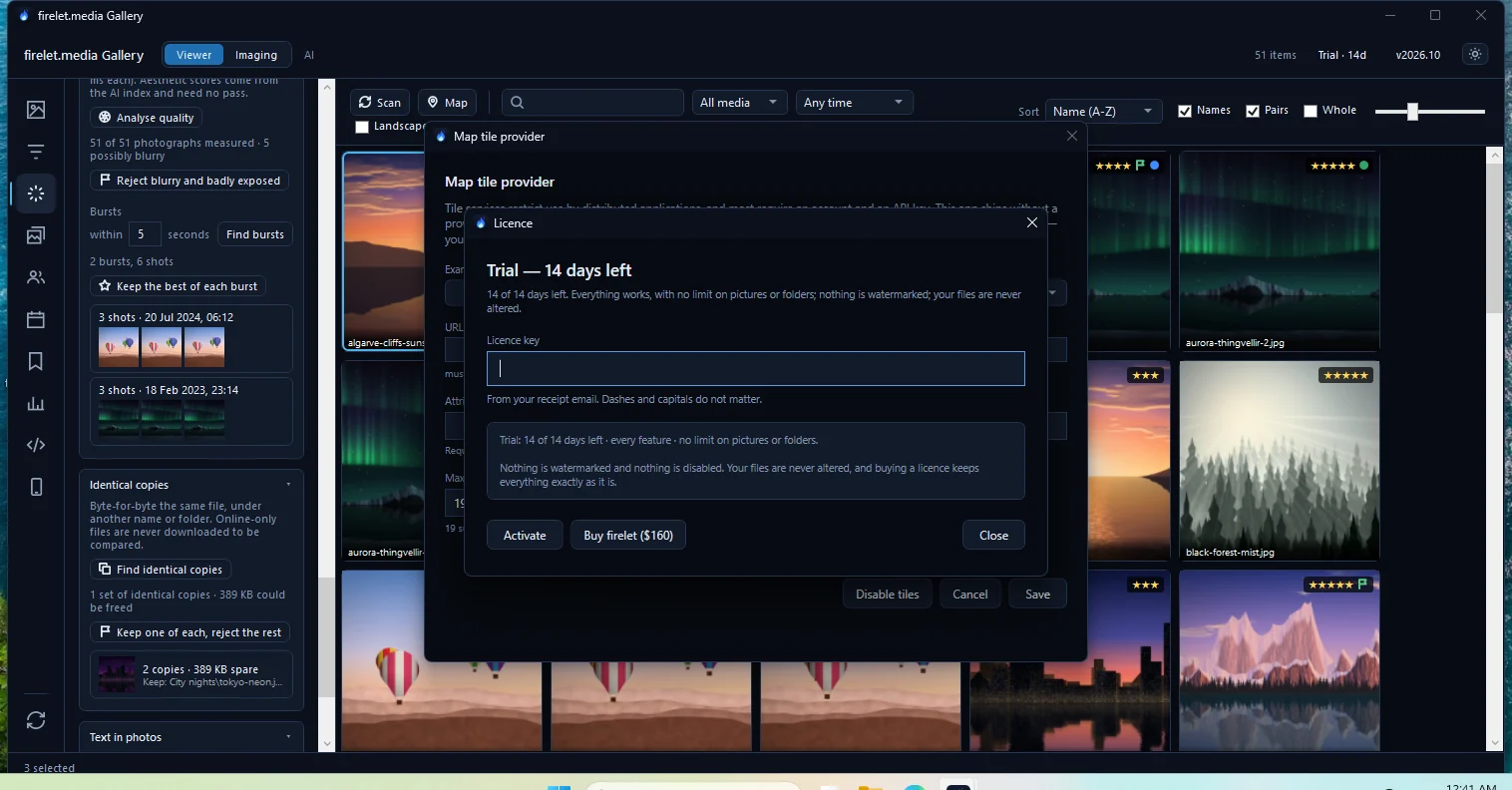
firelet.media Gallery costs $160 once and never stops working. Updates are an optional $100 a year, and skipping them turns nothing off. Here is exactly what you get, and when a subscription is still the better fit.
On this page
firelet.media Gallery costs $160 once per computer and keeps working for good. Updates are optional: $100 buys a year of new releases, and skipping a year turns nothing off. That's the whole model — no subscription, no tiers, no feature that disappears when a payment stops.
What you pay, and when
| What it costs | What happens if you stop | |
|---|---|---|
| The gallery | $160 once per computer | Nothing — it keeps working |
| A year of updates | $100 per computer, optional | You keep every release from that year; newer ones need another year |
| Moving to a new PC | Free | Release the seat from your account and activate the new one |
So the cheapest way to own it is $160, total, for as long as you use it. If you like having every new release, you buy a year at a time — when you want, at the same price, with no back-pay for years you skipped.
What "yours for good" means here
- It never expires. There is no date after which the program stops.
- It works offline. It checks in about once a month and keeps working for three months without internet — your library is never at risk from this.
- Releases stay yours. Every build published inside a window you bought can be reinstalled years later, on a new machine.
- Your files are never held hostage. Folders stay where they are, originals are never rewritten, and ratings and keywords can be written to standard XMP sidecars that other programs read.
The details, in full, are in how the gallery is priced.
What you get for it
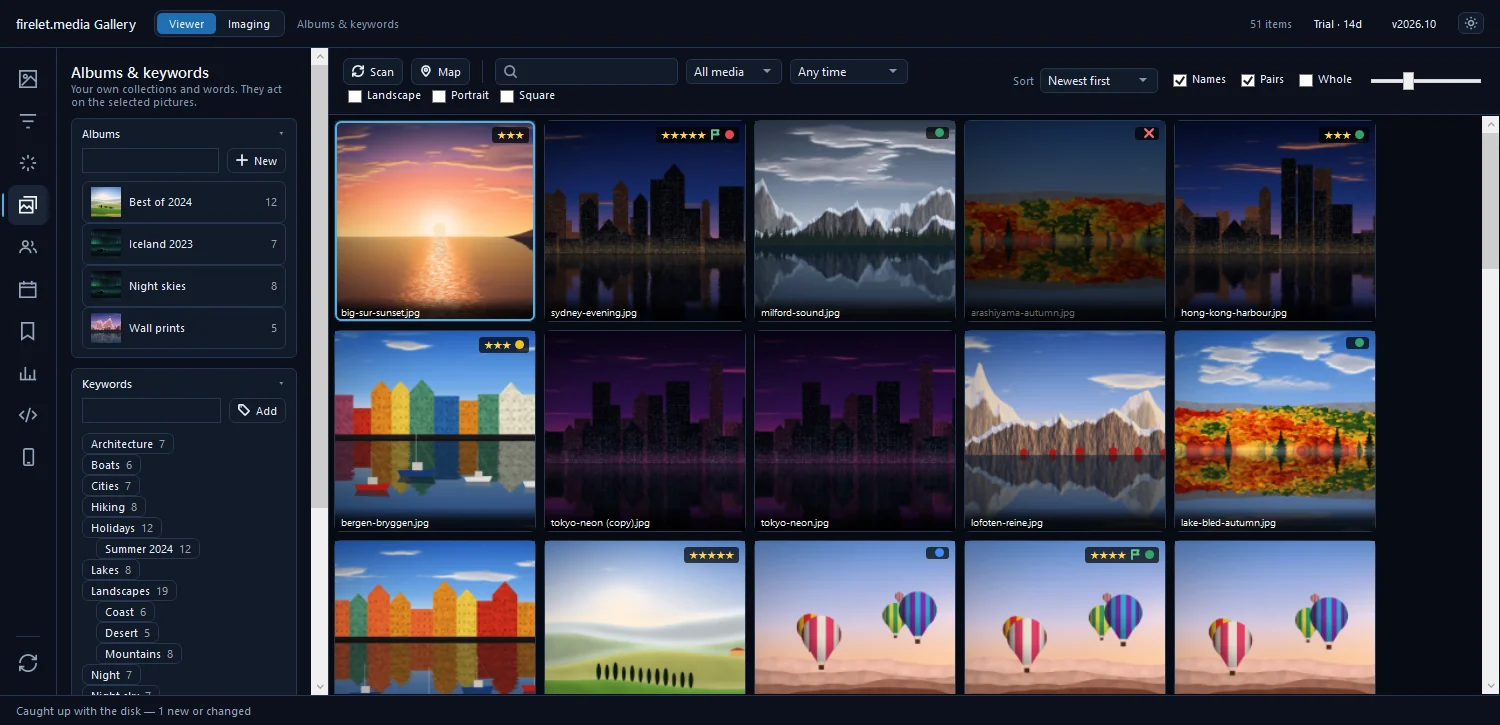
Every feature, with no tiers: search by description, text in photos, faces, near-duplicates, bursts ranked best-first with a quality score, stars, flags, labels, keywords, albums, a non-destructive editor, export presets with watermarks, the calendar and On this day, and the free Android companion over Wi-Fi.
When a subscription is still the better choice
Be honest with yourself about what you need:
- You edit camera RAW files. You need a RAW editor. firelet.media Gallery keeps RAW+JPEG pairs together, but it does not decode RAW files yet.
- You want your library on every device, everywhere. A cloud service syncs it for you; the gallery keeps it on your PC, with your phone joining over home Wi-Fi.
- You never want to think about backups. A cloud service is a backup of sorts. A local library needs one of its own — see back up photos and the library.
If none of those apply, paying once is simpler. Try it free for 14 days on your whole library, and if you buy and change your mind, refunds within 14 days are one click.
Questions people ask
Does the gallery stop working if I don't buy updates?
No. The version you bought keeps working for good, on this computer or a new one. Updates only decide which newer releases you can install.
What does a year of updates cost?
$100 per computer, bought at the checkout or later from your account. Every release published inside that year is yours to keep and reinstall for good.
Is there a free trial?
Yes: 14 days with every feature and no limits on pictures or folders. No card and no account are needed.
Can I get a refund?
Yes. Within 14 days of buying, a whole order can be refunded from your account in one click.
Was this post helpful?
Thank you — that is counted, and nothing else about you is. Still stuck? Ask a person.